

Designing for One-Handed Ease on Big Screens

Today we explore Design Patterns for Thumb-Reachable Navigation on Large-Screen Phones, transforming oversized devices into comfortable companions for everyday tasks. Through ergonomic insights, practical patterns, and lived stories, you’ll learn how to reduce strain, increase speed, and design delightful, confident taps. Share questions and subscribe.

Dominant-Hand Arcs and Safe Zones

Plot the natural arc traced by a dominant thumb while the device is held securely without pinky bracing. Notice the central-bottom crescent where taps feel certain, the mid-edge reach that strains slightly, and the distant corners that demand grip changes. Anchor critical navigation within that effortless crescent to preserve comfort.

Grip Changes and Micro-Reaches

People constantly micro-adjust their grip to steady the phone, reach a control, or avoid accidental touches. Design for this rhythm by minimizing required shifts, scheduling bigger reaches for low-risk moments, and offering alternative paths near the bottom edge. Comfort compounds as taps cluster within predictable, forgiving locations.

Posture, Gait, and Real-World Context

Real life rarely happens at a desk. Thumbs behave differently while walking, commuting, grocery shopping, or lying in bed. Build for motion by favoring large, well-spaced controls near reachable edges, tolerant gestures, and forgiving error recovery. Stress-test designs when users are distracted, jostled, or wearing gloves on colder days.

Ergonomics of the Thumb Zone

Understanding how a thumb sweeps across a large display reveals safe, comfortable regions, risky stretches, and awkward corners. We will map arcs for left and right hands, consider device balance, hand size, and case thickness, then convert these insights into kinder interfaces that encourage relaxed grips, fewer slips, and repeatable, satisfying interactions.

Information Architecture for Lower-Edge Access

A navigation structure shines when the most common destinations sit exactly where the thumb expects them. Reorder, merge, or defer secondary items so the lower edge hosts the everyday journey. Use progressive layers to reveal depth without pulling hands upward, maintaining delightful momentum through bottom-aligned routes and lightweight transitions.

Pattern Toolkit: Bottom Navigation, Tab Bars, and Floating Controls

Reliable patterns protect thumbs by shaping expectations. Balanced bottom navigation offers stability, tab bars segment dense content, and floating controls highlight the next action without demanding overreach. Combine these carefully, respecting platform norms and ergonomic data, so each control earns its footprint and never competes destructively for the same space.

Stable Five-Item Bottom Navigation That Scales

Five items often form a practical ceiling before hit targets shrink and scanning slows. Prioritize permanence, avoid sudden reordering, and reserve overflow for less frequent tasks. Provide safe margins near curved screens or cases. Stability at the bottom cultivates habit loops, letting thumbs dance confidently along a familiar baseline.
Segmented Tab Bars with Scrollable Affordances

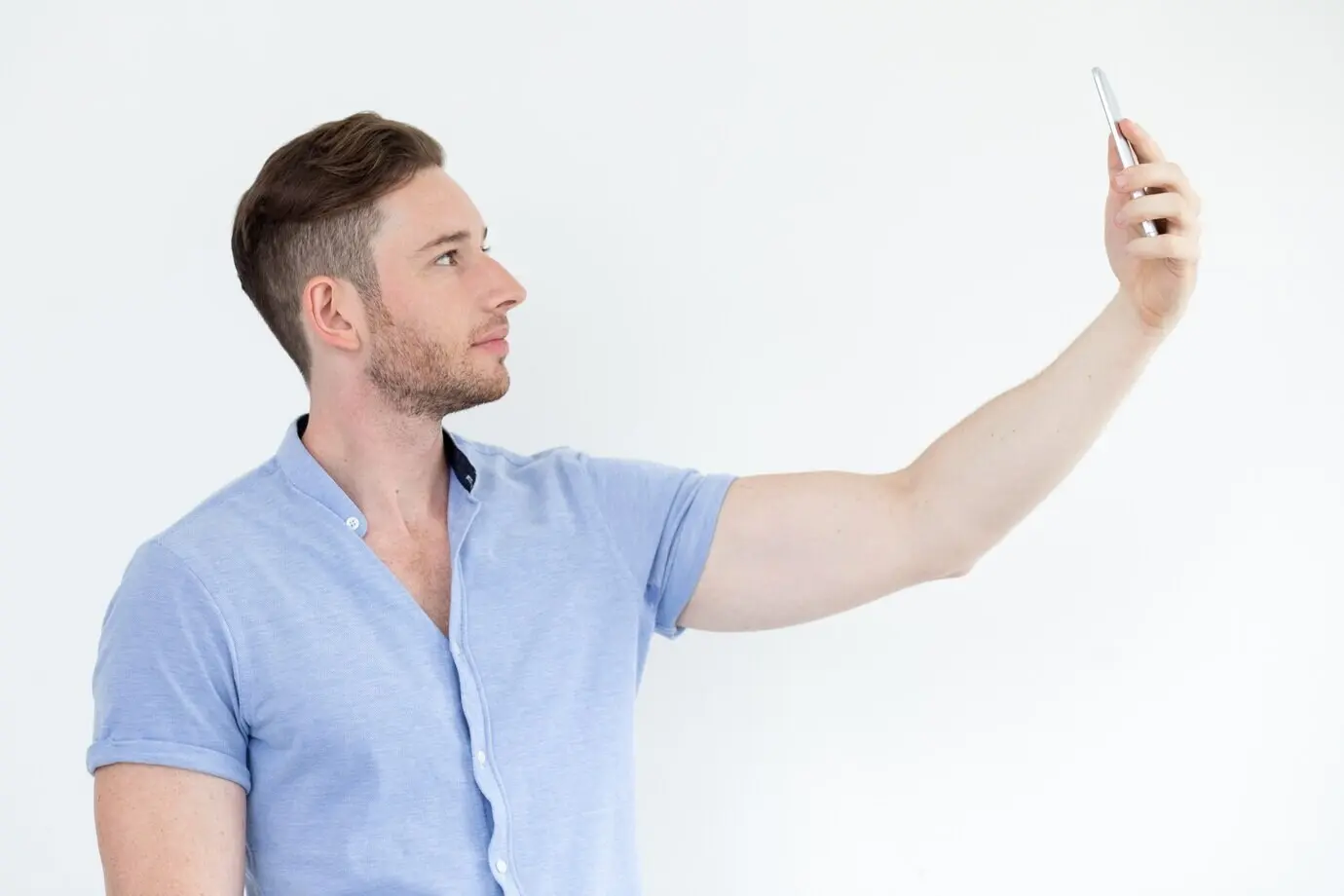
When content outgrows a fixed bar, scrollable tabs can extend choices while preserving reachability. Keep the active tab centered over the safe arc if possible, supply visible cues for hidden tabs, and support swipe gestures as shortcuts. Pair concise labels with forgiving targets to prevent friction during quick glances.
Contextual Floating Action with Avoidance of Overreach

Floating actions work best when context is crystal clear and obstruction is minimized. Anchor buttons within the reachable crescent, offset from keyboard or system bars, and adapt position as layouts change. Offer alternate paths through the bottom bar to prevent dependency on one risky control during dynamic states.

Gestures and Edges: Swipes, Pulls, and Back Navigation

Edges act like highways for the thumb. Gentle, angle-tolerant swipes can replace distant buttons, easing repetitive strain. Coordinate with system gestures, offer subtle hints, and confirm intent with crisp vibration or micro-animations. Good edge design rewards imperfect movement, allowing comfortable, confident operations even when the hand is slightly off balance.

Left-Hand Modes and Mirroring Without Fragmentation

Mirrored layouts can meaningfully reduce strain for left-dominant users when implemented predictably. Provide a clear setting, maintain navigation order semantics, and avoid breaking muscle memory between modes. Persist preferences across sessions and devices. Communicate mirroring gently during onboarding so people immediately understand benefits without feeling segregated or forced.

Touch Targets, Timing, and Error Recovery

Touch targets should rarely dip below comfortable minimums, especially near the lower corners where angles complicate taps. Pair generous sizing with permissive hit zones and delayed destructive actions. Offer multi-step recovery, shake-to-undo options, and concise confirmations that avert fear, encourage exploration, and protect progress during distracted, mobile moments.

Color, Contrast, and Motion for Peripheral Attention

Peripheral attention favors bold contrast, restrained motion, and steady rhythm. Calibrate color against common lighting conditions, dampen parallax when users move, and use motion purposefully to guide the thumb without dizziness. Elevate urgent elements near the reachable band, while letting noncritical decorations retreat to calmer, high regions.

Validation: Research Methods for Real Thumbs

Great intentions require evidence. Validate reachability with real thumbs, not just cursors. Combine lab observations, on-the-go studies, and telemetry to see where people truly tap and hesitate. Iterate quickly, measure comfort and speed, and invite feedback that surfaces friction before it hardens into habit and app-store complaints.
Livotemizori
Privacy Overview

This website uses cookies so that we can provide you with the best user experience possible. Cookie information is stored in your browser and performs functions such as recognising you when you return to our website and helping our team to understand which sections of the website you find most interesting and useful.