Design That Fits Every Hand

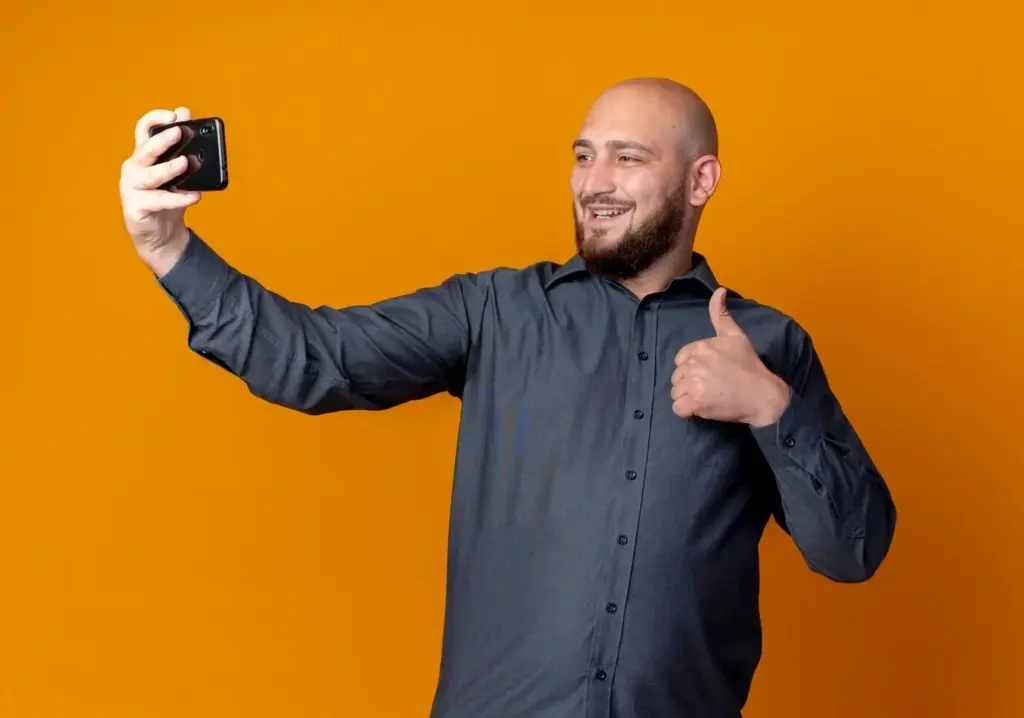
Today we dive into left- and right-handed ergonomics and mirrored UI layouts for mobile apps, exploring how thoughtful placement, adaptable navigation, and careful iconography turn everyday interactions into effortless moments. Expect practical advice, vivid stories, implementation tips, and ways to welcome more users with inclusive, comfortable one-handed experiences.

How Hands Actually Hold Phones

Before rearranging buttons or flipping navigation, understand how people truly hold and move their devices throughout the day. Grips shift during walking, commuting, or reclining, and comfort zones change with screen size. Most people are right-handed, yet many moments demand left-hand use, especially when carrying bags, pushing strollers, or taking notes.

Thumb zones you can trust

Map reachable and comfortable regions from the thumb’s natural arc instead of assuming symmetrical access across the screen. Prioritize critical actions inside relaxed zones, keeping frequent taps near the bottom and nearer edge. Respect the fatigue that accumulates during longer sessions and scrolling marathons, especially with taller displays and heavier devices.

Designing beyond the majority

Around one in ten people are left-handed, yet real-world behavior expands that group because tasks and contexts frequently force a hand switch. Building mirrored layouts affirms dignity and control, preventing awkward stretches, accidental taps, and learned helplessness. The result is smoother flow, reduced errors, and delight that feels surprisingly personal.

Fitts’ Law in your pocket

Shorter movement distances and larger targets speed selection and cut mistakes, particularly on bumpy buses and hurried sidewalks. Combine bigger tap areas with closer placement to the active thumb edge. Consider sticky zones for primary actions and adequate spacing to avoid cascade errors when the phone tilts, rotates, or bounces during motion.

Mirroring Navigation Without Losing Meaning

Arrows, back affordances, and mental models

Do not blindly invert arrows or progress indicators that convey logical sequences. If your language reads left-to-right, preserve forward progression accordingly. Mirror the placement of the control housing the arrow, not the arrow’s meaning. Keep onboarding consistent, emphasizing that ergonomic mirroring changes reachability, without rewriting the mental map users depend on.

Timelines, charts, and directional metaphors

Financial charts, playback scrubbers, and historical timelines convey growth and sequence through direction. Preserve the semantic axis even while relocating controls for reach. Educate teams about what flips and what remains constant, documenting exceptions early. When in doubt, validate with quick usability checks to prevent expensive, confusing regressions after release.

Media controls, maps, and camera UI

Play, pause, next, and previous encode strong conventions that help users operate by instinct. Keep familiar icon directions, but move their buttons closer to the active thumb. Retain map north and orientation while relocating search, layers, and recenter controls. For camera apps, prioritize shutter placement and mode toggles without distorting optical expectations.

Engineering It Cleanly on iOS and Android

Mirrored ergonomics work best when baked into layout systems, not patched late. Embrace leading and trailing constraints, avoid hard-coded x positions, and centralize hand-mode state. Build consistent primitives for placement, spacing, and gestures. Persist user choice, respect system behaviors, and verify that all screens respond coherently across orientations and sizes.

Research, Metrics, and Validation

Ground decisions in observed behavior, not assumptions. Mix quick hallway tests with structured sessions including left-handed participants and situational left-handers. Track time-to-complete, mis-taps, and reach discomfort. Heatmaps, scroll traces, and gesture attempts reveal friction you cannot guess. Close the loop with rapid iterations and transparent release notes.

Lightweight tests with real constraints

Recruit participants carrying coffee cups, backpacks, or strollers to simulate daily interruptions. Ask them to add items, reply to messages, and confirm payments using both mirrored and non-mirrored layouts. Look for pauses, hand switches, and micro-adjustments. Small, frequent tests catch ergonomics issues earlier than polished prototypes or lab-only evaluations.

Telemetry that respects privacy

Aggregate event counts, task durations, and edge-gesture cancellations without storing personal content. Compare cohorts before and after enabling mirroring. Focus on reductions in errors near far corners and increases in first-try success for critical actions. Share wins carefully, emphasizing comfort and clarity rather than raw engagement at any cost.

Defining success beyond speed

Faster is good, but fatigue and confidence matter more over weeks. Include self-reported comfort, perceived control, and avoidance of accidental taps in success criteria. Watch retention among users who previously churned during stressful contexts, like transit or outdoor errands, where one-handed operation and mirrored placement can be genuinely transformative.

Localization Is Not Ergonomics

Right-to-left languages and mirrored layouts solve different problems. RTL respects reading direction and cultural conventions; ergonomic mirroring optimizes reach. You can support both, separately or together, by treating content direction as sacred while relocating controls. Document boundaries clearly so teams avoid mixing responsibilities and unintentionally breaking comprehension.

Stories, Rollouts, and Community Feedback

Real improvements come alive through stories and careful deployment. Share before-and-after clips, celebrate reduced reach errors, and thank testers who caught subtle issues. Launch gradually behind flags, invite feedback from left-handers, and promise steady refinements. Encourage comments, suggestions, and subscriptions so our evolving craft benefits everyone, every release.
Livotemizori
Privacy Overview

This website uses cookies so that we can provide you with the best user experience possible. Cookie information is stored in your browser and performs functions such as recognising you when you return to our website and helping our team to understand which sections of the website you find most interesting and useful.